How to build a science gateway for your research software
A science gateway puts your research code behind a browser so people who cannot install it can still use it. This guide covers when one is worth building, which frameworks to start from and how to keep it running.
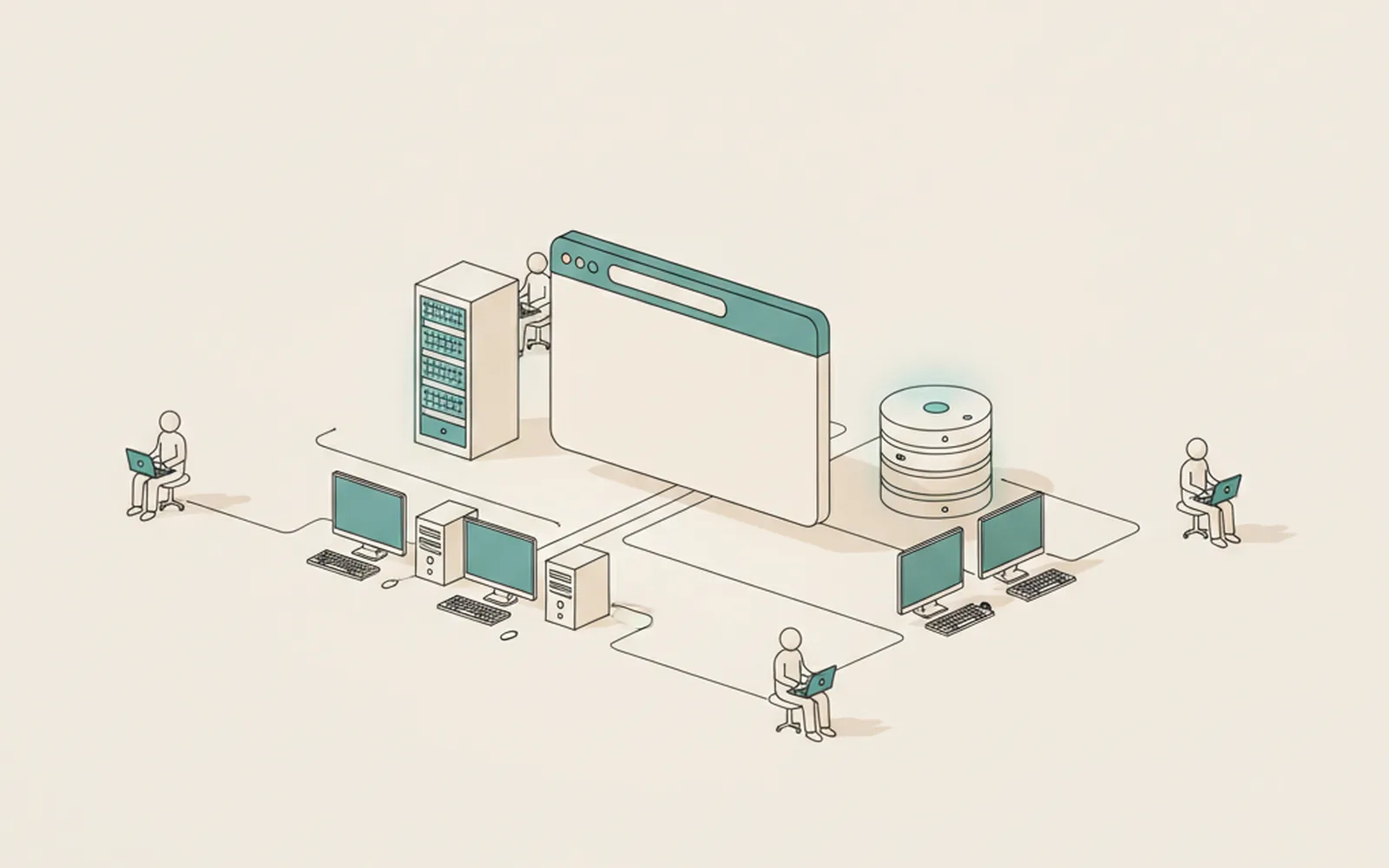
- A science gateway is worth building when the people who need your software cannot install or run it themselves, usually because of computing or setup barriers.
- Start from an established framework such as Open OnDemand, Galaxy, HUBzero or Tapis, and keep the research code as a separate package that the portal calls.
- Hosting, security updates and support cost money every month, so plan who runs the service and how it is funded before launch.
A science gateway is a website that lets researchers run a tool, use a dataset or submit jobs to a cluster from a browser, without installing software or learning the command line. If your group has a model, pipeline or analysis code that people outside the lab keep asking to use, a gateway is often the next step. Most gateways today are built on an existing framework rather than from scratch, and the hard part is usually keeping the service running, not writing it.
This guide covers what a gateway is, when one is worth the effort, which frameworks to start from, and what it takes to keep one alive once the grant that paid for it ends.
Building it is partly a research question and partly a product question. Many groups bring in a campus research software engineer for the build. Others hire outside teams that build hosted SaaS platforms for the parts that look like any other web service: user accounts, job queues, billing for compute and uptime. Either way, the scientific logic stays with the researchers.
What is a science gateway?
A science gateway is a web interface that puts research tools, data and computing behind one login, built for a specific research community. Under the browser page there is usually the same code your group already runs on the command line, plus a layer that handles accounts, queues jobs and stores results.
Some communities say "hub", "portal" or "virtual research environment" instead. In this guide, "gateway" means any web portal built around research software or data, and the design questions are the same whatever you call it.
The idea is well established. The ACCESS science gateways catalog, run for the US national computing infrastructure, lists more than 630 of them. Familiar examples include CIPRES for phylogenetics, nanoHUB for nanotechnology simulation and OpenTopography for high-resolution topography data. They differ a lot in size, but most share these parts:
- A web front end with forms for inputs, a job list and a results page.
- Authentication, often through university single sign-on such as InCommon or eduGAIN, or ORCID.
- A job layer that sends work to a server, an HPC cluster or a cloud account and tracks its status.
- Data management: uploads, stored results, quotas and sometimes shared project spaces.
- The research code itself, ideally unchanged from the version cited in papers.
When is a gateway worth building?
A gateway is worth building when the people who would benefit from your software are not the people who can install it. If your users are comfortable with Conda, containers and a terminal, a well-documented package is cheaper and easier to maintain. Our guide to reproducible environments covers that route.
The signals that point towards a gateway are fairly consistent:
- The requests come from outside your group. Clinicians, field scientists, students or policy analysts want results, not a repository.
- The software needs heavy computing. Users would need cluster accounts and job scripts to run it themselves.
- Setup is the main barrier. Large reference datasets, licensed dependencies or fragile builds that you cannot expect others to reproduce.
- You want consistent runs. One maintained instance avoids twenty slightly different local installations producing slightly different numbers.
- A community already exists. A workshop series, a consortium or a training course that would use the service every term.
If none of these apply, do not build a gateway yet. A good README, a container image and an archived release will serve most reuse.
Which frameworks can you start from?
Start from a framework unless you have a strong reason not to. The gateway community has spent two decades building the parts that every portal needs, and reusing them saves months of work on login, job submission and file handling. The table below compares the frameworks that come up most often.
| Framework | Best fit | What you still build |
|---|---|---|
| Open OnDemand | Giving users browser access to an existing HPC cluster: files, jobs, Jupyter and desktop apps | App definitions for your software; the cluster itself must already exist |
| Galaxy | Workflow-style data analysis, especially in the life sciences | Tool wrappers describing inputs and outputs |
| HUBzero | Community hubs with simulation tools, publications, groups and courses | Tool integration and community content |
| Tapis | An API layer for jobs, files and identity that you put your own front end on | The whole user interface |
| Apache Airavata | Managing jobs across several compute resources from one portal | The portal pages and application setup |
| Globus | Moving and sharing large datasets securely between institutions | Everything beyond data transfer and access control |
Open OnDemand was developed at the Ohio Supercomputer Center and runs at many university HPC centres, so check whether your campus already has it before building anything. Pegasus, a workflow management system, is often paired with these tools when jobs have many dependent steps.
A custom build makes sense when the gateway is closer to a product than a cluster front end. Examples include an interactive data explorer with its own visual design, a service for non-specialist users who will never see a job queue, or an interface that must connect to hospital or industry systems. In that case the work looks like ordinary web application development, and the usual software practices apply in full.
How do you plan the architecture?
Plan the architecture around one rule: the research code should not depend on the website. Keep the scientific core as a package or container with a command-line entry point, and have the gateway call it. That way the code cited in papers, the code users run locally and the code behind the portal stay the same.
A typical layout has four layers:
- Front end: forms, input validation and result views. Validate inputs here so bad jobs never reach the cluster.
- Application server: accounts, permissions, job records and an API that the front end calls.
- Job runner: a queue that submits work to Slurm, Kubernetes or a cloud batch service and reports status back.
- Storage: object or file storage for inputs and outputs, with a retention policy users can read.
Record the version of the research code with every job. When someone cites a result produced by the gateway, they should be able to say exactly which version made it. Our guide to citing software in papers explains how to make that citation precise.
Who should build and run it?
The research group should own the science, and someone with web and operations experience should own the service. A common failure pattern is a gateway built and run by one PhD student, which stalls when that student graduates. Split the roles from the start.
| Option | Strengths | Watch out for |
|---|---|---|
| Institutional RSE group | Knows research, local HPC and funder rules | Queues are long; time is usually tied to a grant |
| National or regional gateway programmes | Consulting on usability and sustainability, shared hosting options | Support is advice and short engagements, not a full build |
| External software team | Speed on accounts, front end, hosting and security | Needs a clear spec and a handover plan; domain knowledge stays with you |
| Students and postdocs | Deep domain knowledge | Leave after a few years; operations work does not count towards their careers |
In the US, the SGX3 centre offers usability and sustainability consulting to gateway teams, and OneSciencePlace, run by UCLA, the San Diego Supercomputer Center and the Texas Advanced Computing Center, offers a hosted platform for building portals with little code. If your institution has research software engineers, involve them early. Our guide to working with research software engineers covers how to do that well.
Whoever builds it, ask for the deliverables a maintainer will need: infrastructure as code, a deployment guide, automated tests and an admin handbook. A gateway handed over without these is hard for anyone else to run.
How do you handle users and data?
Treat a gateway as a public service from day one, because that is what it is. Anyone with an account can upload files and start jobs on your hardware, so access control, quotas and data handling need decisions before launch, not after the first incident.
- Sign-in: federated login through campus identity or ORCID saves you storing passwords.
- Quotas: limit job length, concurrent jobs and storage per user, and show users their usage.
- Retention: state how long results are kept and send a warning before deletion.
- Sensitive data: if users might upload patient or personal data, decide whether you allow it at all. Supporting it brings legal duties under rules such as HIPAA or GDPR.
- Terms of use: a short page saying what the service is for, who may use it and how to acknowledge it in papers.
Keep security patches on a schedule. Web frameworks, operating systems and job schedulers all need updates, and an unpatched portal connected to a cluster is a real risk for your institution.
How do you keep a gateway running after the grant?
Plan for maintenance in the first proposal, because a gateway costs money every month it is online. Hosting, compute, security updates and user support continue after the development grant ends, and funders rarely pay twice for the same build. Our guide to funding the maintenance of research software goes through the options in detail.
The models that tend to work are these:
- Institutional hosting: the university or computing centre takes the service into its catalogue.
- Allocations on national infrastructure: compute time comes from programmes such as ACCESS in the US, and your budget covers people, not hardware.
- Consortium funding: the labs that depend on the service share the running cost.
- Cost recovery: heavy or commercial users pay for compute, while academic use stays free.
Track usage from launch: active users, jobs run, countries and papers that acknowledge the gateway. Those numbers are what reviewers ask for when you apply to keep the service running. Describe the plan in your software management plan so that it is reviewed with the rest of the proposal.
Plan the end as well as the start. If the service closes, the code should still be archived with a DOI, the containers published and the README updated. Users can then run the tool themselves, and results already cited stay reproducible.
What to do this week: test the case for a gateway
Before anyone writes portal code, check whether the demand and the hosting are really there:
- List the requests. Write down who has asked to use your software in the past year and what stopped them.
- Read the answers. If most of them are about installation or computing access, a gateway may help; if not, improve the package instead.
- Pick a starting point. Note which framework from the table above would cover your case and whether your campus already runs it.
- Talk to your computing centre or RSE group about hosting. That conversation will tell you more about cost and sustainability than any prototype.
Questions about science gateways
Is a science gateway the same as a web app?
Technically it is a web application. The difference is purpose: a gateway is built around research software, data or computing for a specific research community, and it usually sends work to a server or HPC cluster rather than running everything in the browser.
Do I need a supercomputer to run a gateway?
No. Many gateways run small jobs on a single server or cloud account. HPC access matters only when the software itself needs large amounts of computing, and in that case frameworks such as Open OnDemand or Tapis connect the portal to the cluster.
How long does it take to build a science gateway?
A framework-based gateway that wraps one existing tool can be running in weeks. A custom portal with its own interface, accounts and job handling usually takes months. Plan maintenance time separately, because it continues for as long as the service is online.
Should the gateway code be open source?
Ideally yes, alongside the research code it wraps. Open code lets other groups host their own instance if yours closes, and it lets reviewers check how results produced through the portal were generated.
How do I get users to cite the gateway?
Give it a DOI and a recommended citation on a visible page, and ask users to acknowledge it in the terms of use. Record the software version with every job so that each cited result can be traced to the code that produced it.
Keep reading. More from the desk.
Research software engineers: who they are and how to work with them
Research software engineers combine research knowledge with software skills. Many groups only call them when something breaks. This guide explains the role and how to bring an RSE in early, when it helps most.
Funding the maintenance of research software
Research software is easy to fund once and hard to fund forever. This guide explains why maintenance falls through the gaps and walks through the realistic ways to pay for it, from grant budgets to community donations.

Mobile data collection apps for research: when a form is enough and when to build
Most field studies never need custom software. This guide shows what form-based tools handle well, the signals that a study has outgrown them and how to keep either route reviewable.