Mobile data collection apps for research: when a form is enough and when to build
Most field studies never need custom software. This guide shows what form-based tools handle well, the signals that a study has outgrown them and how to keep either route reviewable.
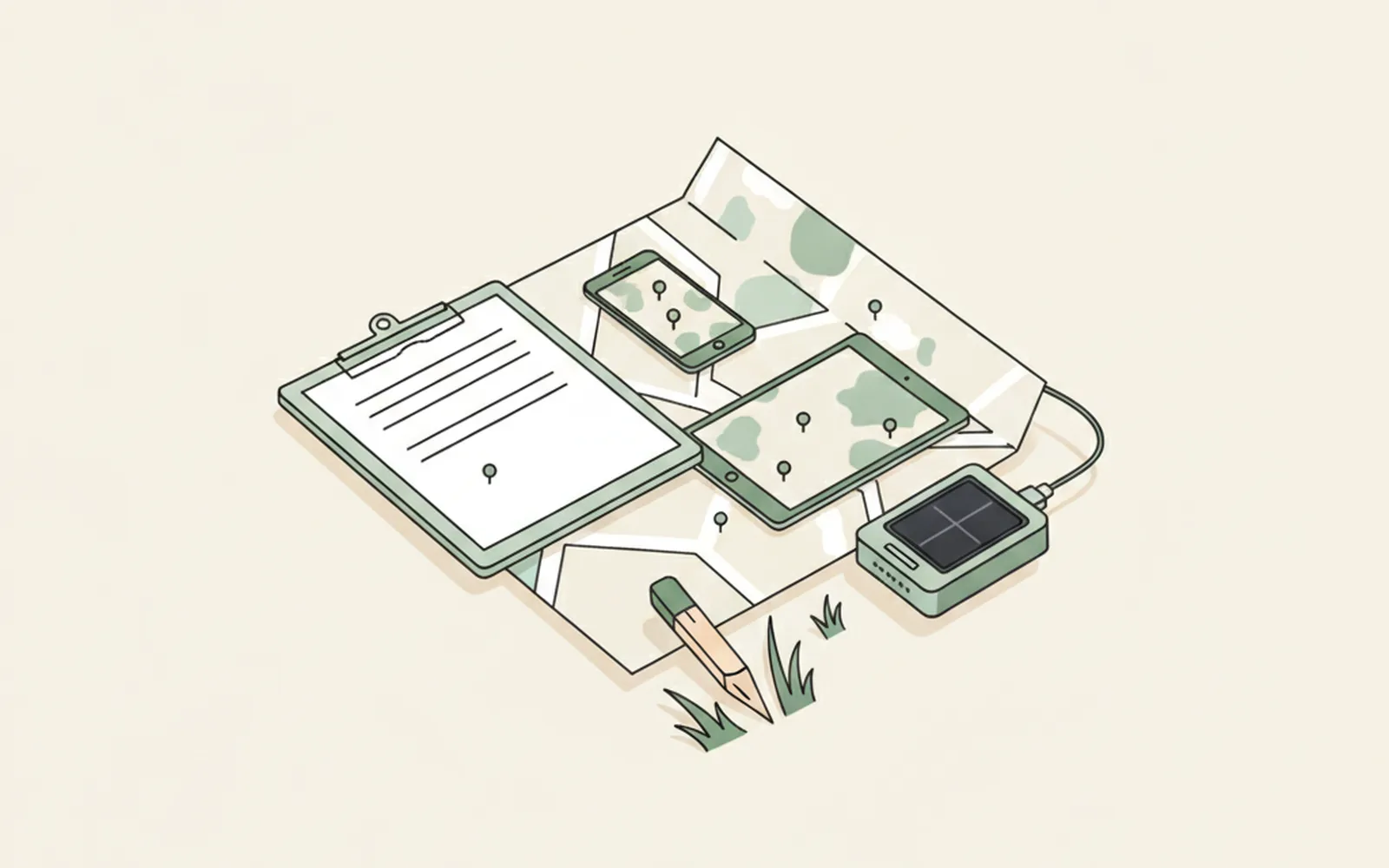
- Most field studies are well served by an XLSForm-based tool such as ODK, KoboToolbox or SurveyCTO; start there and write down what it cannot do.
- A custom app is justified by specific needs: sensors or devices, unusual workflows, integration with your own systems, or a participant-facing app that must look and behave like a product.
- Whichever route you take, version the form or the code, store that version with every record and archive what was used in the field.
A mobile data collection app replaces the paper questionnaire and clipboard with a phone or tablet that records answers, GPS points, photos and timestamps, works without a signal and uploads everything when a connection returns. For most research teams the honest first answer is to configure an existing tool, not to write software. The harder question is when that stops being enough.
The established tools are good. ODK, KoboToolbox and SurveyCTO all read forms written in XLSForm, a spreadsheet format for survey logic, and all three run offline in the field. Household surveys, ecological transects and clinical follow-ups run on them without anyone on the team writing a line of app code.
Sometimes a study outgrows a form. It needs a Bluetooth sensor, a participant-facing app on both iPhone and Android, a workflow that does not fit question-by-question entry, or a sync with the lab's own database. That is the point where groups start comparing a research software engineer, a student project and an outside cross-platform Flutter development team. This guide covers the decision in the order you meet it: what the existing tools do, the signals that you need more, and how to keep either route reviewable.
What is a mobile data collection app?
A mobile data collection app is software on a phone or tablet that records structured observations in the field and sends them to a central server. In research the term usually covers three pieces that work together:
- a form or app on the device, used by an enumerator, a field scientist or the participant themselves.
- a server that receives submissions, stores them and controls who can see them.
- a form definition (or app code) that encodes the questions, skip logic, constraints and calculations.
The third piece is the one researchers tend to forget. The form definition is part of your method in the same way a questionnaire is. If a skip rule is wrong, a whole branch of the sample never sees a question, and the data will not tell you so.
Which off-the-shelf tools do researchers use?
Four tools come up in most research and evaluation projects. Three share the XLSForm standard, so a form written for one can often be moved to another with modest edits.
| Tool | Device app | Server | Typical fit |
|---|---|---|---|
| ODK | ODK Collect (Android); web forms in a browser | Self-hosted ODK Central or managed ODK Cloud | Teams that want open source and control over hosting |
| KoboToolbox | KoboCollect (Android); web forms in a browser | Kobo-run servers or self-hosted | Nonprofits and academic surveys on a small budget |
| SurveyCTO | SurveyCTO Collect (Android and iOS) | Managed cloud, paid subscription | Large surveys that need support and end-to-end form encryption |
| REDCap Mobile App | iOS and Android | Your institution's REDCap server | Clinical and health studies already using REDCap |
The ODK documentation describes Collect as an Android app that is "designed to work well offline". ODK itself is open source, and the project also offers ODK Cloud, a managed hosting service, for teams that would rather not run a server. SurveyCTO Collect runs on Android and iOS phones and tablets and uploads data when a connection is available. REDCap is the exception in the table: it is not XLSForm-based, but many universities already run it, which settles hosting and ethics questions before they come up.
Check current pricing, submission limits and hosting locations on each vendor's site before you write them into a grant. They change, and your data management plan should cite the version you checked.
When is a form builder enough?
A form builder is enough when your study is a sequence of questions, measurements and media captured by trained staff. That describes most household surveys, monitoring and evaluation rounds, species counts and site inspections.
XLSForm covers more than people expect. These features are all standard:
- skip logic, range constraints and calculated fields;
- repeat groups, for example one block per household member;
- GPS points and traces, photos and barcodes;
- pre-loaded lists from a CSV file.
Several tools add audit logs that record how long an enumerator spent on each question, which is useful for spotting fabricated interviews.
If your protocol fits in that list, use a form builder. You get a tested app, a maintained server and a community that has already met most of your edge cases. Spend the saved budget on piloting and enumerator training instead.
When do you need a custom app?
You need a custom app when the protocol asks the phone to do something a form cannot express. The signals tend to be concrete:
- External hardware. Reading a Bluetooth sensor, a water-quality probe or a wearable directly into the record, instead of typing a number off a display.
- Continuous or passive data. Accelerometer streams, location sampled in the background, or ecological momentary assessment prompts that fire on a schedule.
- Participant-facing use. The participant installs the app on their own phone, so it has to look trustworthy, run on both iOS and Android and survive weeks of daily use.
- A workflow, not a questionnaire. Case management across repeat visits, map-first annotation, or image labelling that does not fit one question per screen.
- Integration. Two-way sync with a lab database, a hospital system or an analysis pipeline that a vendor's API does not reach.
One signal on its own is not always decisive. A single sensor reading can often be entered by hand, and some tools support external app calls for specialised inputs. Two or three signals together usually mean you are building a product, and should plan for it as one.
If you go custom, decide who owns the code before anyone starts. The institution should hold the repository, the store accounts and the server credentials, whether the developer is a PhD student, a research software engineer or a contractor.
Native or cross-platform?
For a field or participant app that must run on both iPhone and Android, a cross-platform framework is usually the economical choice; native code is worth it when the study depends on platform-specific health or sensor APIs. Enumerator devices are often bought in bulk and can all be Android. Participant phones cannot be chosen, and an iPhone-only study inherits a skewed sample, a problem we discussed in our guide to building a research study app on iOS.
- Native (Swift for iOS, Kotlin for Android). Full access to HealthKit, Health Connect and low-level sensors. Two codebases to maintain.
- Cross-platform (Flutter, React Native). One codebase for both platforms, with native modules where a sensor or health API needs them. Flutter, from Google, compiles a single Dart codebase to iOS and Android apps.
- Progressive web app. No store review and one codebase, but weaker background processing and sensor access, and offline storage that some browsers clear.
Pick the framework your maintainer will still know in three years. If only the original developer understands the stack, nobody can update the app once that person leaves, often between two funding rounds.
How do you design for offline fieldwork?
Design as if the device will be offline for days, because in rural and remote fieldwork it often is. The app must store every submission locally, survive a flat battery and upload later without losing or duplicating records.
- Give every record a unique ID on the device when the form is opened. Then a retried upload can't create a duplicate.
- Record device time and server receipt time separately. Phone clocks drift and get reset, and you'll want both when you rebuild the timeline.
- Store GPS accuracy next to the coordinates. A point accurate to 5 metres and one accurate to 500 metres look identical in a spreadsheet.
- Decide how conflicting edits are resolved. If two enumerators update the same case offline, someone has to win. Write the rule down before the first sync, not after the first argument.
- Encrypt on the device. Phones get lost in fieldwork all the time, and the data on them should stay unreadable without a key the study holds.
Test sync on the worst connection you expect, with a full device and a low battery. A pilot that only ran on office Wi-Fi hasn't tested the part that fails.
How do you protect data quality?
Protect data quality by catching errors at entry, recording what version produced each answer and checking a sample of interviews independently. Software handles the first two. The third needs people.
- Constrain at entry. Range checks, required fields and consistency rules (age at marriage below current age) stop impossible values before they reach the server.
- Version the instrument. Put a form version or app version in every record. When a question changes mid-study, you need to know which answers came from which wording.
- Keep audit data. Timestamps per question, GPS at start and end, and edit history make fabricated or rushed interviews visible.
- Run back-checks. Re-interview a random subset with a short questionnaire and compare the answers that should not change.
- Test the logic. For a custom app, write automated tests for every skip rule and calculation; our guide to testing research code covers the basics. For an XLSForm, fill the form along each branch before deployment and keep the test cases.
What does it cost to keep an app alive?
A custom app costs most after it launches. The first version is a visible line in the budget. Keeping it working through a two-year cohort usually isn't, and that's where projects get into trouble.
Both app stores impose a yearly rhythm. Apple ships a major iOS version every autumn, and Google Play requires apps to target a recent Android API level to stay available to new users on new devices. Each cycle means retesting, and sometimes rewriting, the parts that touch sensors, permissions and background tasks. Server software, certificates and dependencies need the same attention.
Put maintenance in the grant from the start. In the United States, the NIH Data Management and Sharing Policy has applied to new applications since January 25, 2023, and allows reasonable costs for data management and sharing to be requested in the budget. Our software management plan guide shows how to describe who maintains the code and for how long.
How do you keep forms and code reviewable?
Keep forms and app code in version control and archive the exact release used in the field. Reviewers and future readers need to see what participants were actually asked, in what order and under which rules.
An XLSForm is a spreadsheet, but it is still source code: store it in a repository, with a change log, as described in our guide to version control for researchers. For a custom app, keep keys, server addresses and participant data out of the repository from the first commit. When fieldwork starts, tag the release and archive it with a DOI, so the paper can cite the instrument that produced the data.
What to do this week: map your protocol to a tool
Take your protocol and list every item the device must capture. Mark each one as a standard form question, a form question with a workaround, or something no form can do. Then try the first two groups in ODK, KoboToolbox or SurveyCTO with a test project. If the third group is empty, you have your tool. If it is not, that list is the scope of a custom app, and the conversation about who builds and maintains it should happen before the grant is submitted.
Questions about mobile data collection
Is ODK or KoboToolbox better for academic research?
Both read XLSForm and use similar Android apps, so the choice is mostly about hosting and support. ODK suits teams that want to self-host ODK Central or use managed ODK Cloud. KoboToolbox offers hosted servers aimed at nonprofit and humanitarian users. Check your institution's data protection rules for where servers may be located.
Can I collect data offline on an iPhone?
Yes, with the right tool. SurveyCTO Collect and the REDCap Mobile App have iOS versions that store data offline. ODK Collect and KoboCollect are Android apps; iPhone users can fill their forms in a browser, but browser storage is easier to lose over long offline periods.
How much does a custom data collection app cost?
It depends on platforms, integrations, security review and how long the app must be maintained. Over a multi-year study the build is rarely the largest cost. Yearly operating system updates, server hosting and support are. Ask for maintenance to be priced separately from the first release.
Should a research team build its own data collection app?
Only when the protocol needs something forms cannot do, such as external sensors, passive data, participant-facing use on both platforms or deep integration with your own systems. Otherwise an established tool is cheaper, tested and easier to get through ethics review.
Do I need ethics approval for the app itself?
Your ethics board approves the study, and the data collection tool is part of it. Expect questions about where data is stored, who can access it, encryption on the device and how participants withdraw. Have these answers written before you submit.
Keep reading. More from the desk.
Testing research code: where to start
You already check your results by hand. Automated tests do the same checks every time the code changes, so a quiet bug gets caught the same day instead of in review.
Research software engineers: who they are and how to work with them
Research software engineers combine research knowledge with software skills. Many groups only call them when something breaks. This guide explains the role and how to bring an RSE in early, when it helps most.
Building an iOS app for a research study: a practical guide
A study app looks like a coding problem. Most of the work is protocol, consent, data handling and maintenance.