How to modernize legacy research code without changing your results
A decision table for keep, wrap, refactor or rewrite, a regression-test recipe that tolerates floating-point noise, and the upgrade steps that pay off first.
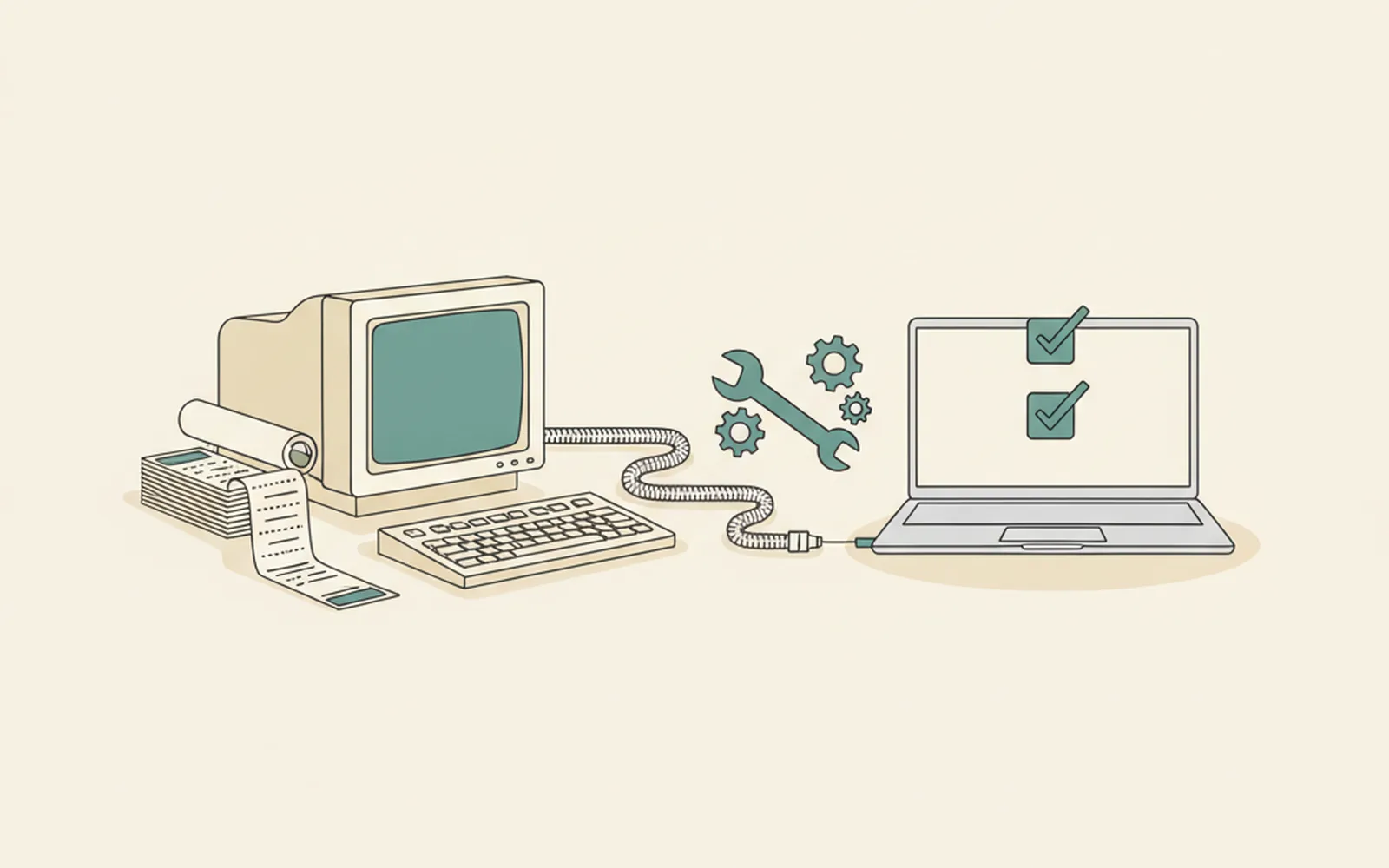
- Before changing anything, save what the code outputs today and turn it into regression tests with a stated tolerance.
- Prefer keep, wrap or refactor over a full rewrite; rewrites lose undocumented fixes and break agreement with published papers.
- The first payoffs are boring: one canonical copy, a clean build, I/O separated from computation, and no global state.
- Keep scientific validation in the group even when an RSE or an outside team does the engineering.
Modernizing legacy research code means making old scientific software easier to run, test and change without changing the numbers it produces. In short: freeze what the code outputs today, wrap those outputs in regression tests, then improve the code in small steps that the tests check one at a time. A full rewrite is the riskiest option and is rarely the first one to try. Most groups get further with version control, a pinned environment and a handful of tests than with a new language.
Research code ages in a particular way. A simulation written for one thesis becomes the group's standard model, gains features from five more students, and ends up as Fortran 77 with COMMON blocks, a Python 2 wrapper and a MATLAB plotting script that only one postdoc knows how to run. When that person leaves, the code still produces papers, but nobody can change it with confidence.
Groups handle this in different ways. Some give a student a semester to tidy the code; some hand it to a campus research software engineering team; some contract external legacy software modernization services for the engineering work and keep the scientific checks in house. The method below works whichever route you take, because it starts from the one thing only the group can supply: knowing which outputs must not change.
What counts as legacy research code?
Legacy research code is code that people depend on but are afraid to change. Its age or language matters less than that fear. Michael Feathers, in Working Effectively with Legacy Code, defined legacy code simply as code without tests, and that definition fits research software well. Typical signs:
- Only one person can run it, and the steps live in their head or in a shell history.
- It depends on a dead platform: Python 2, a specific old compiler, a MATLAB release no longer licensed, or a workstation under a desk.
- There are no tests, so every change is checked by looking at a plot.
- Global state is everywhere: COMMON blocks, module-level variables or files written to fixed paths.
- Copies have diverged: each student has their own version, and nobody knows which one produced which paper.
If two or more of these apply, the code is legacy in the sense that matters. Our list of common errors in research code shows how these habits turn into wrong results.
Should you keep, wrap, refactor or rewrite?
Choose the least invasive option that solves the actual problem. The four options below differ in cost and in how much risk they put on your results.
| Option | What it means | Choose it when | Main risk |
|---|---|---|---|
| Keep | Leave the code as it is; pin its environment so it keeps running | The code is finished, used rarely and only to reproduce published work | The environment eventually stops building |
| Wrap | Keep the core and put a clean interface around it (a Python wrapper, a command-line tool, a container) | The numerical core is trusted but hard to call, and new work happens around it | The wrapper hides problems in the core |
| Refactor | Improve structure in small steps while behaviour stays the same | The code is still developed and new students need to change it | Small numerical drift that nobody notices without tests |
| Rewrite | Build a new implementation, possibly in another language | The old code cannot run on current platforms, or its design blocks the science you need next | Months of work and results that no longer match published papers |
Software developers have warned against the big rewrite for a long time. Joel Spolsky's essay Things You Should Never Do argues that old code holds years of bug fixes nobody wrote down. In research code those fixes are often physics: a damping term, a boundary condition, a unit conversion. A rewrite that drops them silently changes the science.
How do you pin current results before changing code?
Record what the code produces today on a set of representative inputs, and turn those records into tests before you change a single line. These are often called characterization or golden-master tests. They do not say the code is right. They say whether a change altered its behaviour.
- Put the code under version control exactly as it is, including the build scripts. Tag that commit as the baseline. Our guide to version control for researchers covers the basics.
- Write down how to build and run it, including the compiler, flags and library versions. Capture the environment in a container or lockfile, as described in our guide to reproducible environments.
- Choose three to ten test cases: a small fast case, a case from a published paper, and cases that exercise unusual options or edge conditions.
- Save the outputs in a plain format (CSV, NetCDF, HDF5) next to the inputs, under version control or in archived storage.
- Write a test that reruns each case and compares the new output with the saved one within a tolerance.
How strict should the tolerance be?
Strict enough to catch real changes, loose enough to ignore floating-point noise. Changing the compiler, the optimisation level or the number of threads can reorder arithmetic and change the last digits of a result, even when nothing is wrong. In Python, numpy.testing.assert_allclose compares arrays with a relative and an absolute tolerance:
import numpy as np

def test_reference_case():
    expected = np.loadtxt("tests/golden/case_paper2019.csv", delimiter=",")
    result = run_model("tests/inputs/case_paper2019.nml")
    np.testing.assert_allclose(result, expected, rtol=1e-10, atol=1e-12)
Start tight and loosen only with a reason you write down. For chaotic or stochastic models, compare summary statistics or conserved quantities instead of every value, and fix the random seed. Our guide to testing research code covers unit tests you can add once the safety net is in place.
Which modernization steps pay off first?
The cheapest steps are the ones that make the code runnable by someone other than its author. Do them in roughly this order, running the regression tests after each one:
- One canonical copy. Merge diverged versions into one repository and delete the rest, keeping a record of which version produced which paper.
- A build that works on a clean machine, from a single command, in continuous integration if possible.
- Input and output separated from computation. Move file reading and writing to the edges so the numerical core can be called and tested directly.
- Global state removed one variable at a time, passed explicitly as arguments instead.
- Dead code deleted. Version control keeps it if anyone needs it later.
- Packaging, so other people install the code instead of copying a folder. For Python, see our guide to packaging Python research code.
Performance work and new features come after this list, not before. Speeding up code you cannot test is how results change without anyone noticing.
How do you modernize old Fortran?
Modernize Fortran in place before you think about leaving it. Modern Fortran (2008 and later) is a capable, actively developed language, and the step from FORTRAN 77 to free-form modules removes most of what makes old code hard to work with. The usual sequence:
- Convert fixed-form source to free form with an automatic tool, and change nothing else in that commit.
- Turn on compiler warnings and runtime checks (for example bounds checking) in a debug build. Old code often reads past array ends without anyone knowing.
- Add
implicit noneto each routine and declare every variable. Implicit typing hides misspelled variable names. - Replace COMMON blocks with modules, one block at a time, then declare argument
intentso the compiler knows what each routine changes. - Replace
GOTOloops andEQUIVALENCEwith structured loops and explicit variables, testing after each routine.
Tools help with the mechanical parts. CamFort, an open-source refactoring tool from the University of Cambridge, was built to upgrade Fortran source automatically; its authors describe the approach in Upgrading Fortran source code using automatic refactoring. The Fortran-lang learning pages cover modern syntax and tooling such as the Fortran Package Manager. To call the modernized core from Python, F2PY, which ships with NumPy, generates the wrapper for you.
How do you move from Python 2 or MATLAB?
Move language versions behind the same regression tests, and expect the hard bugs to be in numbers and text, not syntax. Python 2 reached end of life on 1 January 2020, and current releases of NumPy, SciPy and pandas no longer support it.
- Integer division. In Python 2,
7 / 2is 3; in Python 3 it is 3.5. This one change can shift results silently, which is exactly what the golden tests catch. - Text and bytes. File reading code that mixed the two in Python 2 fails or misreads data in Python 3, especially for binary instrument formats.
- Dictionary order and library defaults. Code that relied on an ordering or on an old default argument in a library can change behaviour without an error.
- Tooling. The
2to3converter was removed from the standard library in Python 3.13, so run it from an older Python 3 or use a maintained third-party converter, then fix the rest by hand.
MATLAB to Python is closer to a rewrite than an upgrade. Three differences cause most of the bugs:
- Indexing starts at 0 instead of 1.
- Array layout is row-major by default instead of column-major.
- Function defaults differ for many functions with the same name.
Translate one function at a time, compare each against the MATLAB output on the same inputs, and keep the MATLAB version runnable until the whole pipeline matches.
Who should do the work, and how is it funded?
The scientific validation must stay with the group; the engineering can be shared. Deciding which outputs matter, setting tolerances and judging whether a difference is a bug or an improvement all need domain knowledge. Restructuring a build system, removing global state or packaging the code does not.
- A student or postdoc works for small codes, if the time is protected and counted as research output, not done in evenings.
- A research software engineer is the best fit for codes with users outside the group. Our guide to working with research software engineers explains how to find one, and the Software Sustainability Institute and US-RSE list community resources.
- An external contractor can take on well-defined engineering work, such as a build system, a web interface or a port to new hardware, when no RSE is available. Give them the regression tests as the acceptance criteria.
Some funders accept software maintenance as an eligible cost, but rules differ by programme. Our guide to funding research software lists where to ask, and a software management plan is a good place to write the modernization down as a deliverable.
A four-week plan to start
You do not need a grant to begin. A month of part-time work gives most codes a safety net:
- Week 1: collect every copy, put one under version control, tag it as the baseline and write down how to build it.
- Week 2: capture the environment in a container or lockfile and get a clean build working on a second machine.
- Week 3: choose the test cases, save golden outputs and write the regression tests, including one case from a published paper.
- Week 4: run the tests in continuous integration and make the first small refactoring, such as free-form conversion or removing one global variable.
After that, every improvement is a small, tested change, and the code stops depending on one person's memory. When you release the modernized version, archive it and tell people how to cite it, so the work counts.
Questions about modernizing research code
Should I rewrite old Fortran research code in Python?
Usually not all of it. Rewriting numerical kernels that already work costs months and almost always changes results slightly. A common middle path is to keep the Fortran core, modernize it to free-form modules, and call it from Python through a wrapper such as f2py, so new analysis code is written in Python.
How do I test legacy code when I do not know what the right answer is?
Use characterization tests: run the current code on representative inputs, save the outputs, and assert that later versions reproduce them within a stated tolerance. They do not prove the code is correct, only that you have not changed its behaviour by accident. Add tests against known analytical solutions where they exist.
Why do my results change slightly after I upgrade the compiler or a library?
Floating-point arithmetic is not associative, so a different compiler, optimisation level, library version or number of threads can change the order of operations and the last digits of a result. Compare outputs with a relative tolerance, document it, and investigate any difference larger than that tolerance.
Is Python 2 code still safe to run?
It runs, but Python 2 reached end of life on 1 January 2020 and receives no security fixes, and current versions of scientific libraries no longer support it. The migration tool 2to3 was removed from the standard library in Python 3.13, so do the conversion on an older Python 3 or with a third-party tool, behind regression tests.
When should a research group bring in outside help to modernize code?
When the code has users outside the group, the original author has left, or the work needs skills the group does not have, such as parallelisation, packaging or a web interface. Options include a campus research software engineering team, a funded RSE post or an external contractor; in each case keep the scientific validation in the group.
Keep reading. More from the desk.
Streamlit vs Dash vs Shiny: choosing a dashboard for research data
Streamlit is fastest, Dash gives the most control, Shiny suits R users. A practical comparison for research data, with hosting and reproducibility advice.
Making Jupyter notebooks reproducible
Notebooks are great for exploring and explaining results, and easy to break without noticing. A few habits make sure a notebook run top to bottom in a fresh kernel gives the results you report.

How to package Python research code so others can install it
A package gives research code one home, one version and one way in. This guide covers the src layout, pyproject.toml, tests, releases, citation and PyPI.